Book a demo Call 888-448-9996

Built on thirty years of retail

30+
Years building retail software
10,000+
Stores on the AdvEnt platform
40+
Countries served
24/7
Phone support, 365 days

How it is built

An office in the cloud. Tills that do not depend on it.

Most cloud point of sale systems stop at the moment your broadband does. AdvEntRetail was designed the other way round: the lane owns everything it needs to trade, and the office is where the business is run from.

The cloud office

One catalogue, one price book, one set of rules across every store you run. Change a price in the office and every lane in the chain has it within seconds — or at the next sync, if a store happens to be offline.

Multi-storeMulti-retailerRole-based

The lane

Each till keeps its own copy of the catalogue, its prices, its promotions and its unsent sales. It starts, signs a cashier on, rings a basket and takes a card payment with the office unreachable. Being offline is the expected case, not a fault.

Offline-firstLocal databaseSale outbox

The sync

A lane asks the office what has changed and pulls only that. Nothing is pushed at it, nothing is applied in the middle of a sale, and a till that has been off for a fortnight catches up without anyone touching it.

Pull-basedNever mid-saleSelf-healing

Ten modules, one platform

Everything a retailer runs, in one place

Buy the lane on its own, or run the whole estate from head office. Every module shares the same item master, the same permissions and the same reporting, so nothing has to be keyed twice.

POS Cashier

Sales, refunds and exchanges. Scan, search or tap a shortcut. Cash, card, EBT, gift card, account and cheque — mixed in one basket if the customer wants.

Touch-firstOfflineMulti-currency

Inventory Manager

Standard, multi-pack, kit, weighted and matrix items. Vendors, purchase orders, goods receipt, invoices, adjustments and physical counts.

Pack levelsPurchasingCounts

Web Office

The retailer's back office: items, groups, pricing, promotions, tax, users, roles and permissions, with a rich report library behind it.

BrowserPermissionsReports

UI Designer

Lay out the sale screen, the customer display and the dashboard by dragging. No programming, and every lane type can have its own layout.

WYSIWYGPer-laneLive preview

Label Designer

Shelf-edge tags, barcode labels, promotional signs. Twenty-one stock sizes out of the box, printed straight from live item data.

21 stocksDual pricingPrints at the lane

Customer Display

A second screen the shopper reads: live basket, totals, your promotions and your branding, with dual-pricing rules handled correctly.

Live basketPromotionsCompliance

Self-service Kiosk

Customers order at their own pace, build their item with modifiers and pay at the kiosk. Orders land in the same sale ledger as the lane's.

ModifiersUpsellPays at kiosk

Kitchen Display

Orders move from the counter and the kiosk to the kitchen screen the moment they are rung, with timings and bump-bar control.

Live ticketsTimingsDeli & QSR

Stock work on the floor

Re-price, re-count and print a shelf label without walking to the office. Raise a purchase order, receive a delivery and enter an invoice from any browser.

Any browserPhone or tabletNo install
What makes it different

Four things no other till does this way

Trading continuity

Unplug the network. Keep taking money.

Nothing on the start-up path and nothing on the sale path waits for the office. The lane holds its own catalogue, its own prices, its own promotions and its own cashier sign-on, so a broadband outage, a failed router or a cut line is a non-event at the counter.

  • Cold start with no network at all
  • Sales queue in an outbox and send themselves later
  • Item edits made offline merge rather than overwrite
  • Nothing is ever applied in the middle of a sale
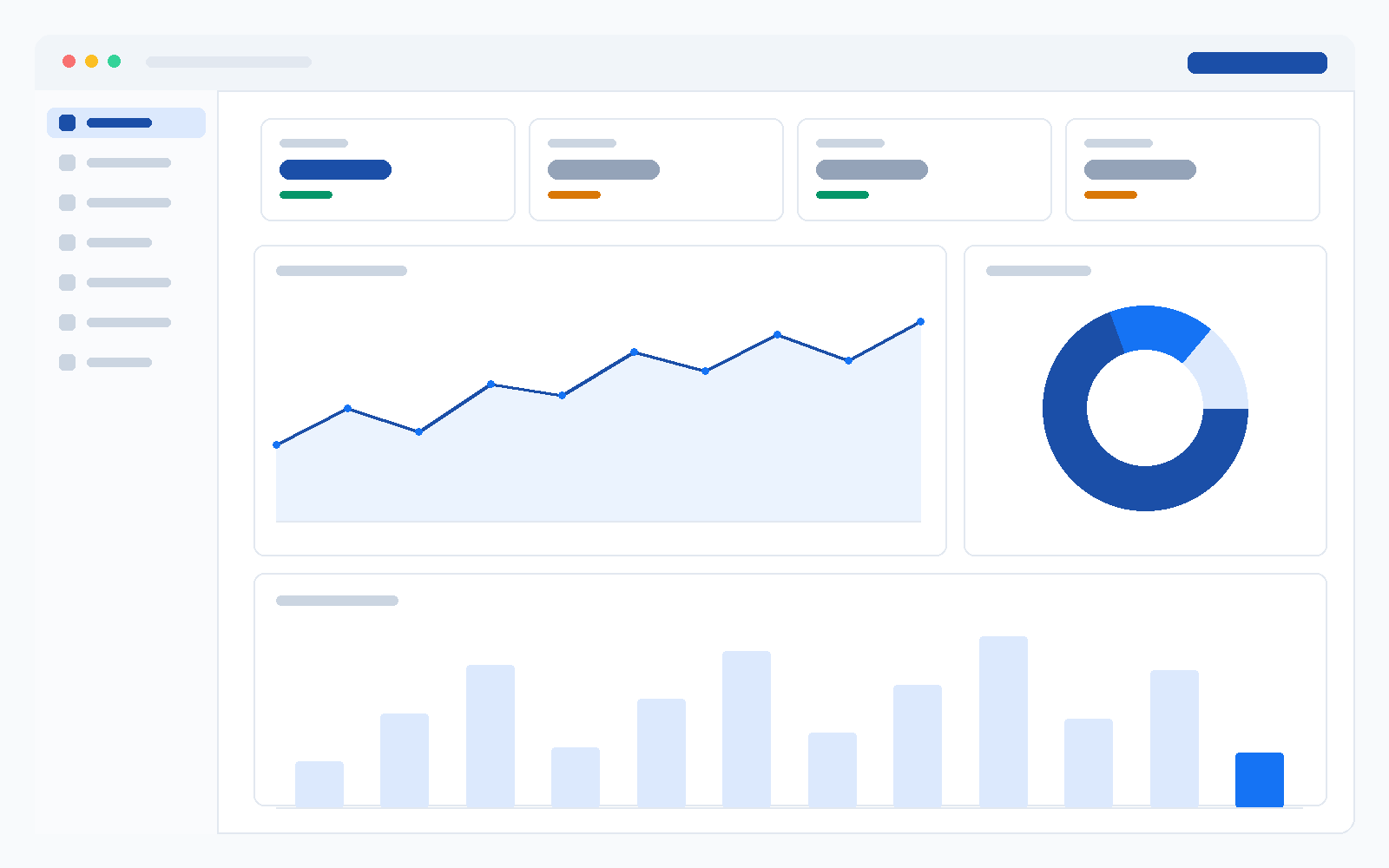
The sale screen with a basket part-rung and an offline indicator in the status line.
Designed, not configured

Your screens, drawn the way your store works

An express lane, a service desk and a deli counter are not the same job, so they should not be the same screen. The UI Designer draws the sale screen and the customer display with the till's own components, from your own data, so what you design is exactly what the cashier gets.

  • Drag, drop and preview at the real till resolution
  • Eleven ready-made home screen templates to start from
  • Item and group shortcuts with your own pictures
  • Separate layouts per lane, per store, per role
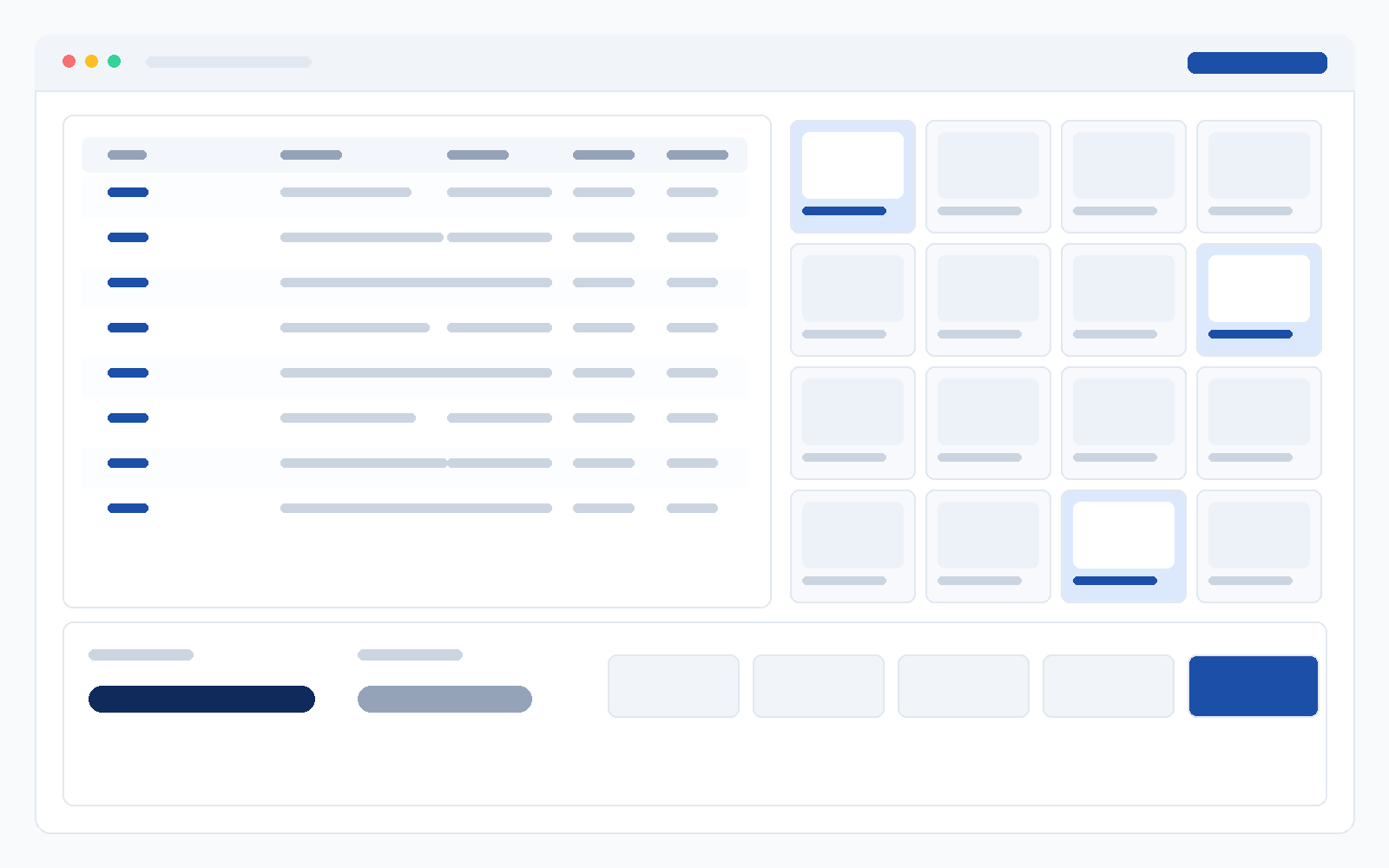
The layout designer canvas with a component toolbox on the left and a property panel on the right.
Compliance

The awkward rules, handled properly

Age-restricted sales, tobacco tax, eWIC baskets, SNAP and food stamp waivers, container deposits, dual pricing and cash discounting. These are the rules that make retail software hard, and they are built into the calculation engine rather than bolted on.

  • Driving licence scanning with age worked out for you
  • eWIC prescription matching at the basket level
  • Container deposit raised as its own line beside the goods
  • Tobacco scan data filed in the AGDC format
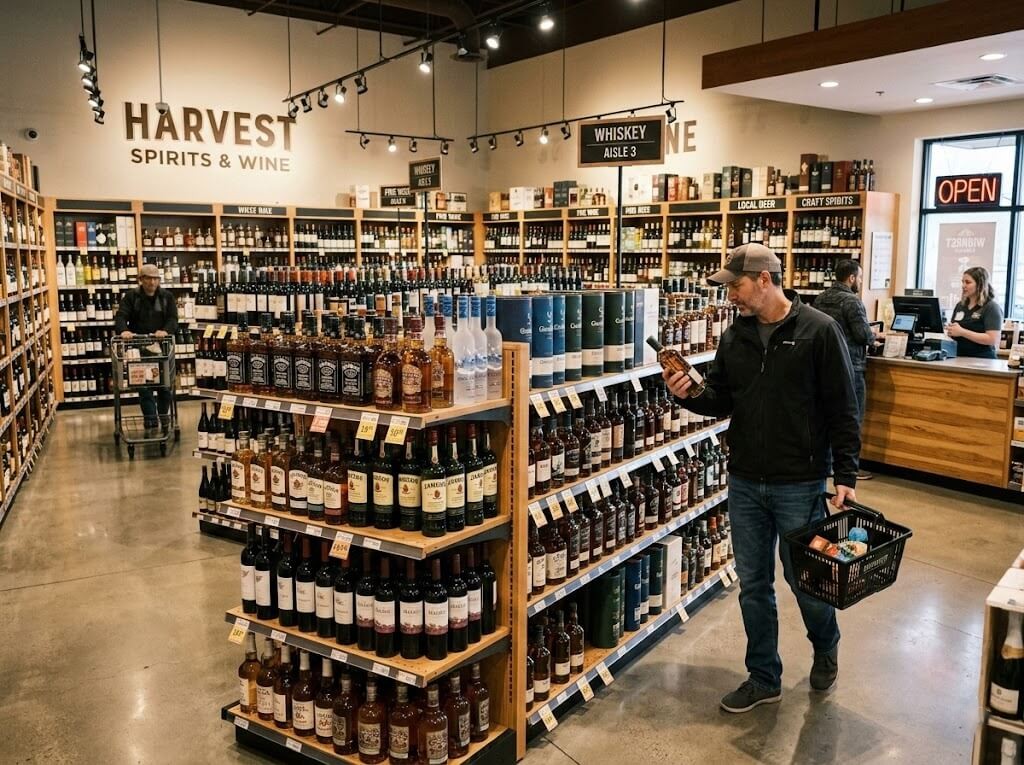
A liquor store counter with two staffed tills, where age-restricted sales raise a check before the basket can total.
Updates

Tills that update themselves, carefully

New versions reach your estate in rings — a nightly ring for test lanes, a pilot ring for the stores that want it early, and the stable ring for everyone else. A till downloads in the background and only ever applies between sales.

  • Nightly, pilot and stable release rings
  • Every package checked against a published hash
  • Applied only when the lane says it is safe
  • One installer sets a new store up end to end
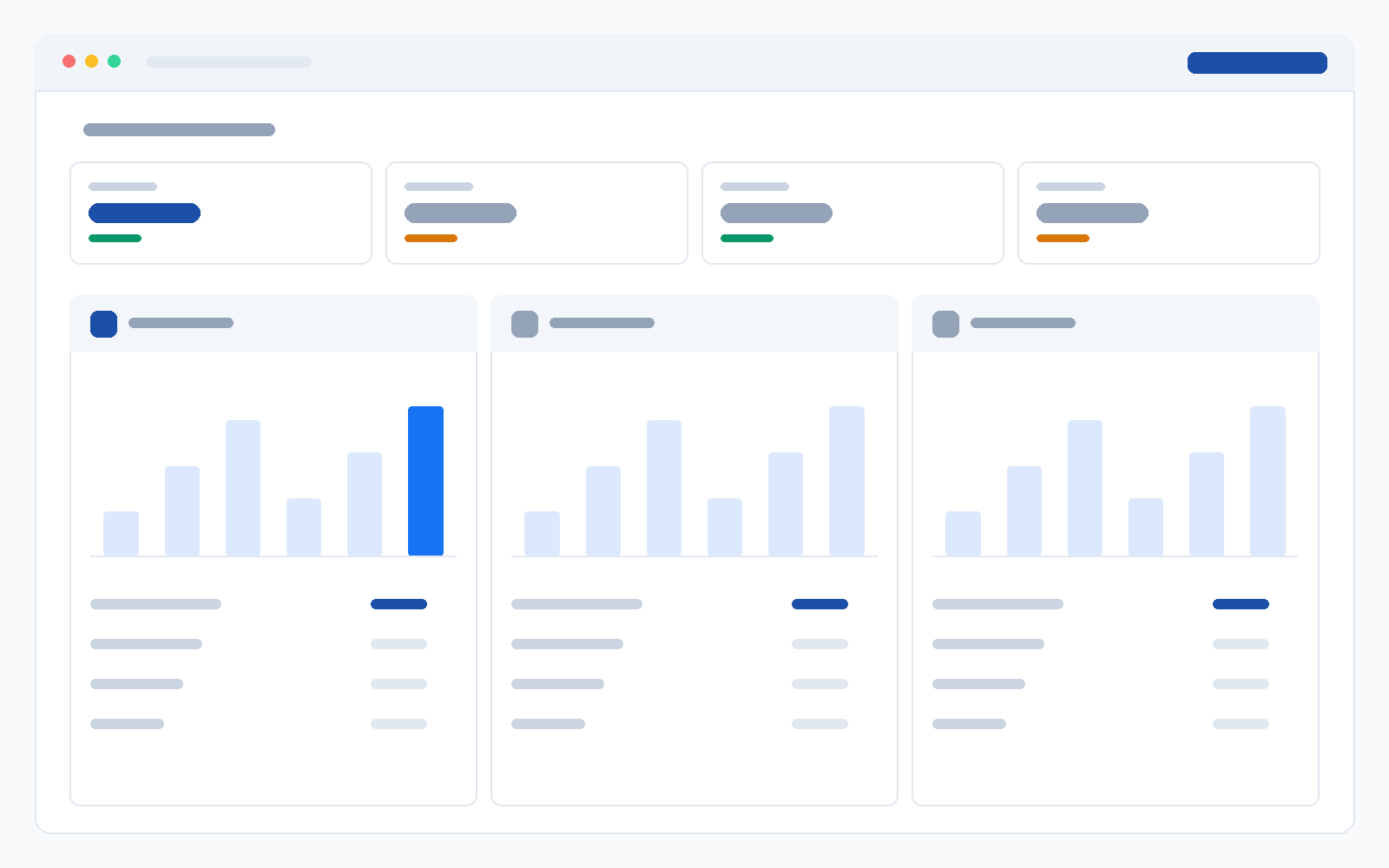
The multi-store view listing each location with its version and status.
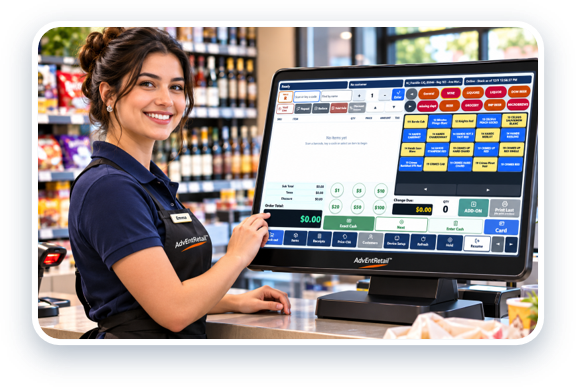
An AdvEntRetail till with the sale screen open and a card terminal on the counter beside it.

Payments

Take every tender. Keep your processor.

AdvEntRetail drives the terminal directly, so the cashier never keys an amount twice and the sale cannot close out of step with the card. Bring the processor you already have.

Devices

  • PAX, semi-integrated and full
  • Dejavoo over SPIn
  • Equinox on the local network
  • Dojo and Stripe

Tenders

  • Chip, tap, swipe and manual entry
  • EBT and SNAP food stamp
  • Gift cards and customer accounts
  • Cash, cheque and payment on account
Card surcharges are normal trading. Where your processor adds a fee, the lane records it against the sale and closes the basket without stopping the queue to ask.

Watch it work

A five-minute tour of the platform

From an empty lane to a closed shift, with the network pulled out halfway through.

Platform overview

Target length 5:00 · 1920×1080 · screen capture with voiceover

The headline film. It has to land one idea — that this till does not stop — and show the breadth of the platform behind it without turning into a feature list.

Shot list

  1. 0:00–0:25 — Cold open at the counter. A real store, a queue of three. The cashier scans a basket of mixed goods: a bottle of spirits that raises an age prompt, a weighed item on the scale, a multi-buy that discounts itself. No narration yet, just the beeps and the screen.
  2. 0:25–1:10 — The office. Cut to Web Office in a browser. Change a shelf price on one item, save, and cut back to the lane to show the new price ringing seconds later. Narration introduces the cloud office and the one catalogue.
  3. 1:10–2:05 — Pull the plug. Physically unplug the network cable on camera. Carry on ringing: scan, age-check, take a card payment, print the receipt. Show the status line reporting that the office is unreachable, in plain words, not an error. This is the moment the film exists for.
  4. 2:05–2:40 — Catch-up. Plug the cable back in. Show the outbox draining and the sales appearing in the office report, with nobody touching anything.
  5. 2:40–3:25 — Design the screen. Open the UI Designer, drag a group of shortcuts onto the sale screen, set a picture on a key, preview at 1024×768, publish. Cut to the lane showing the new layout.
  6. 3:25–4:05 — Inventory and purchasing. Receive a supplier delivery against a purchase order on a tablet in the stockroom, print a shelf label on the spot, and show the stock figure moving in the office.
  7. 4:05–4:35 — The rest of the estate. Fast montage: kiosk ordering, kitchen display bumping a ticket, the customer display running a promotion, the multi-store dashboard comparing six shops.
  8. 4:35–5:00 — Close. Return to the counter, shutter coming down, day closed on the till. End card with the logo, adventretail.com and the support number.
Paste the video link here <!-- Replace this whole .video-slot block with: <div class="video-frame"><iframe src="PASTE_EMBED_URL_HERE" title="AdvEntRetail platform overview" allowfullscreen loading="lazy"></iframe></div> -->

Same shop, different week

What actually changes when you move

Before

  • The broadband drops and the shop stops selling
  • Prices keyed store by store, and they drift apart
  • Stock counted on paper, right for about a day
  • Updates mean an engineer visit, out of hours
  • Compliance handled by the cashier remembering
  • One processor, their rate, no way out

With AdvEntRetail

  • The lane carries on and catches up by itself
  • One price book, pushed to every store at once
  • Stock moves as it sells, countable from a phone
  • Tills update themselves, between sales, overnight
  • The rules are in the engine, not in people's heads
  • Keep your processor, or move and keep the till

Ecosystem

It plugs into the rest of your business

Delivery platforms, payment processors, accounting and ERP — plus a documented REST API when you want to build your own.

DDDoorDash
UEUber Eats
ICInstacart
PXPAX
DJDejavoo
VFVerifone
EQEquinox
QBQuickBooks
AEAdvEntERP
APIREST & webhooks

See it running in a shop like yours

Tell us what you sell and how many counters you have. We will walk you through the exact feature pack for your trade and your region — not a generic slide deck.

Or call 888-448-9996 — 24 hours a day, 365 days a year.